Seven moods
calm, establish, groove, energy, max, tension, showcase. The mood decides how the cameras behave in that section, from slow drifts to whips and rushes.
v1.0 Ableton Live → Unreal Engine
AbleReal turns your Ableton Live set into a directed music video in Unreal Engine. Your MIDI notes, automation and audio drive the stage. Your arrangement directs ten cameras. Two clicks. No manual keyframes.
Workflow
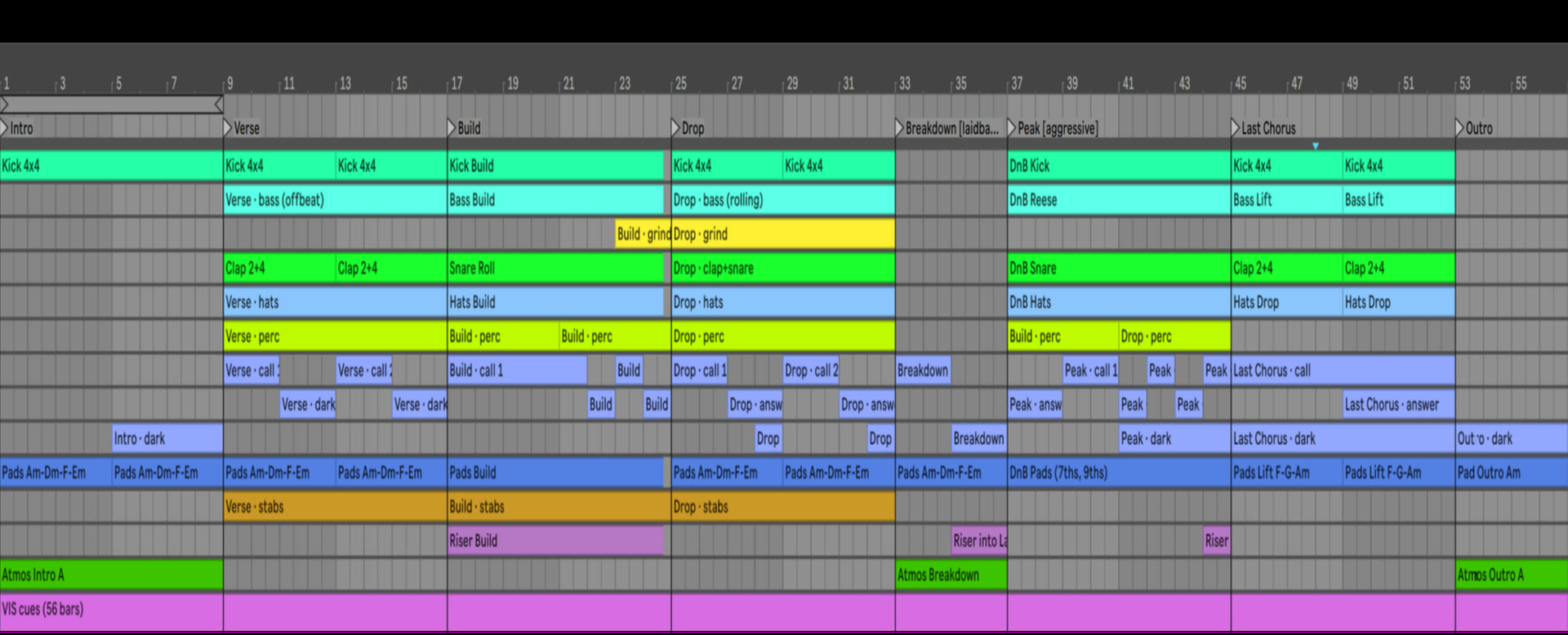
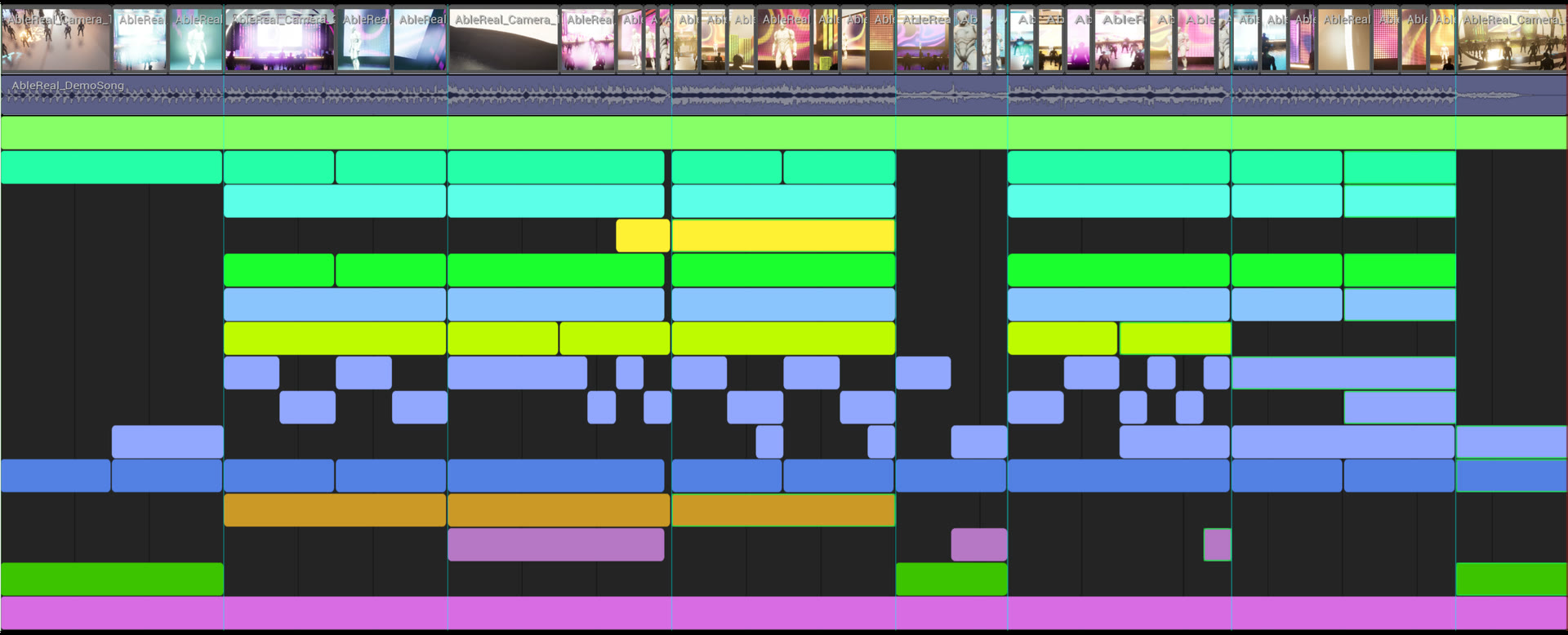
 Ableton Live
Unreal Sequencer
The film
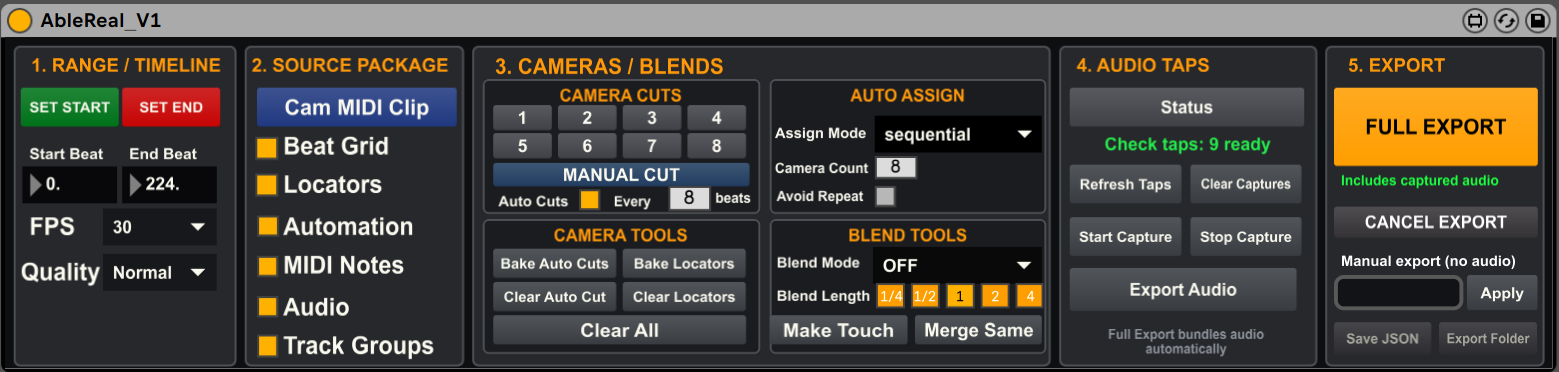
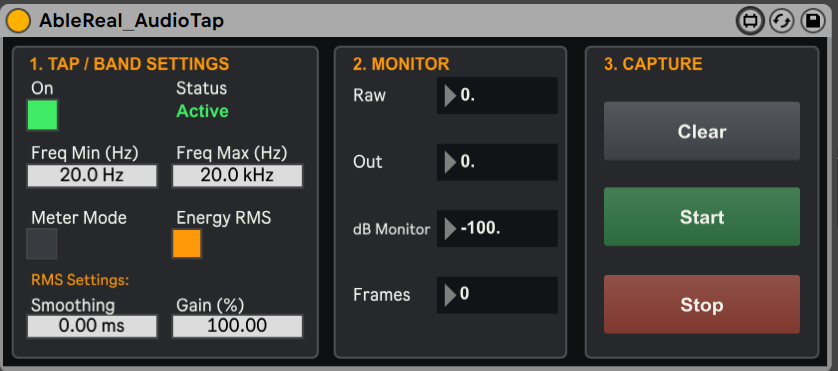
One Max for Live device exports it all. Put the Audio Tap device on the tracks whose level you want to use, then press Full Export.
Your whole song lands on a Sequencer timeline, bar for bar: your audio, your sections, a lane for every track, ten cameras and a Camera Cuts track.
Click one: Auto-Cut places every cut. Click two: Apply Shots moves every camera. The whole song is directed.
Intensity
Pick an intensity for the take and press the same two buttons. Choose any two below and drag the line: both sides are the last chorus of the demo song, bars 45 to 52.
Four takes of the same song, straight from Auto-Cut and Apply Shots. The lanes are each take's own Camera Cuts track, with the camera number on every shot. Any section can also carry its own intensity.
Structure
AbleReal reads the locators in your set and gives each section a mood. Name your sections the way you already do. It knows a chorus is a chorus because you named it one.
The included demo song: 56 bars, 1:40. Click a section to hear it.
calm, establish, groove, energy, max, tension, showcase. The mood decides how the cameras behave in that section, from slow drifts to whips and rushes.
Intro, Verse, Chorus, Drop, Breakdown. Section names are recognised in English, French, Spanish and Portuguese. Add a tag like Chorus [aggressive] to give one section its own style.
Tempo changes and ramps are read from your saved Live set. The demo song climbs from 128 to 175 BPM and brakes back, and the cuts, the mapped MIDI notes, automation and audio all stay in sync.
Cameras
Eight role cameras, each with its own lens and personality. Two money cams, the Operator and the Drone, with their own library of hand-tuned moves.
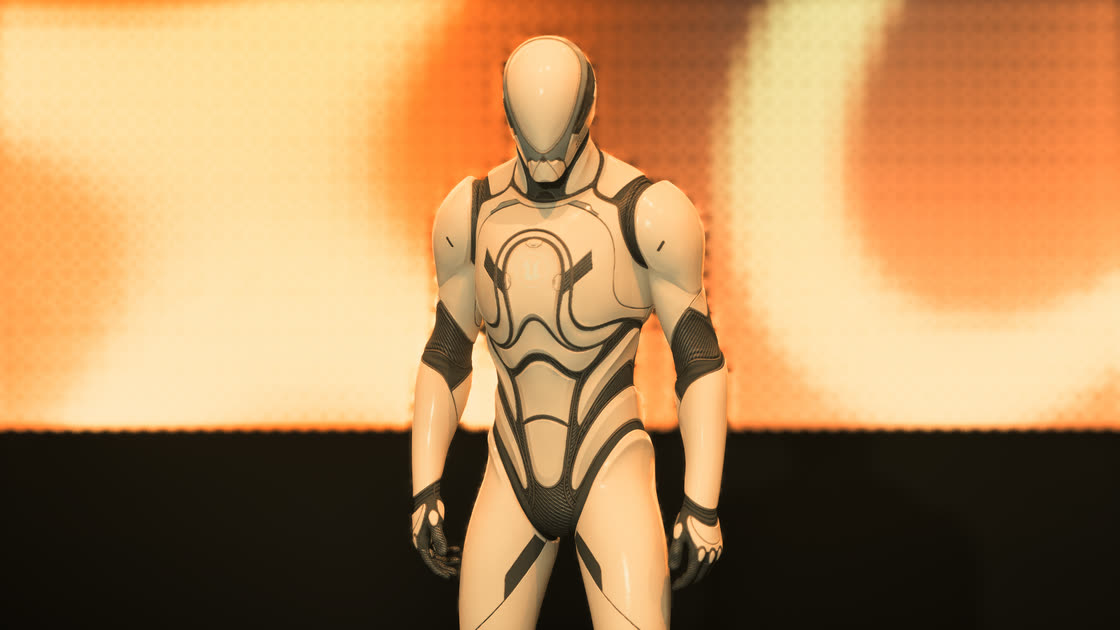
Camera choice runs through a cutting rules engine.
The Director
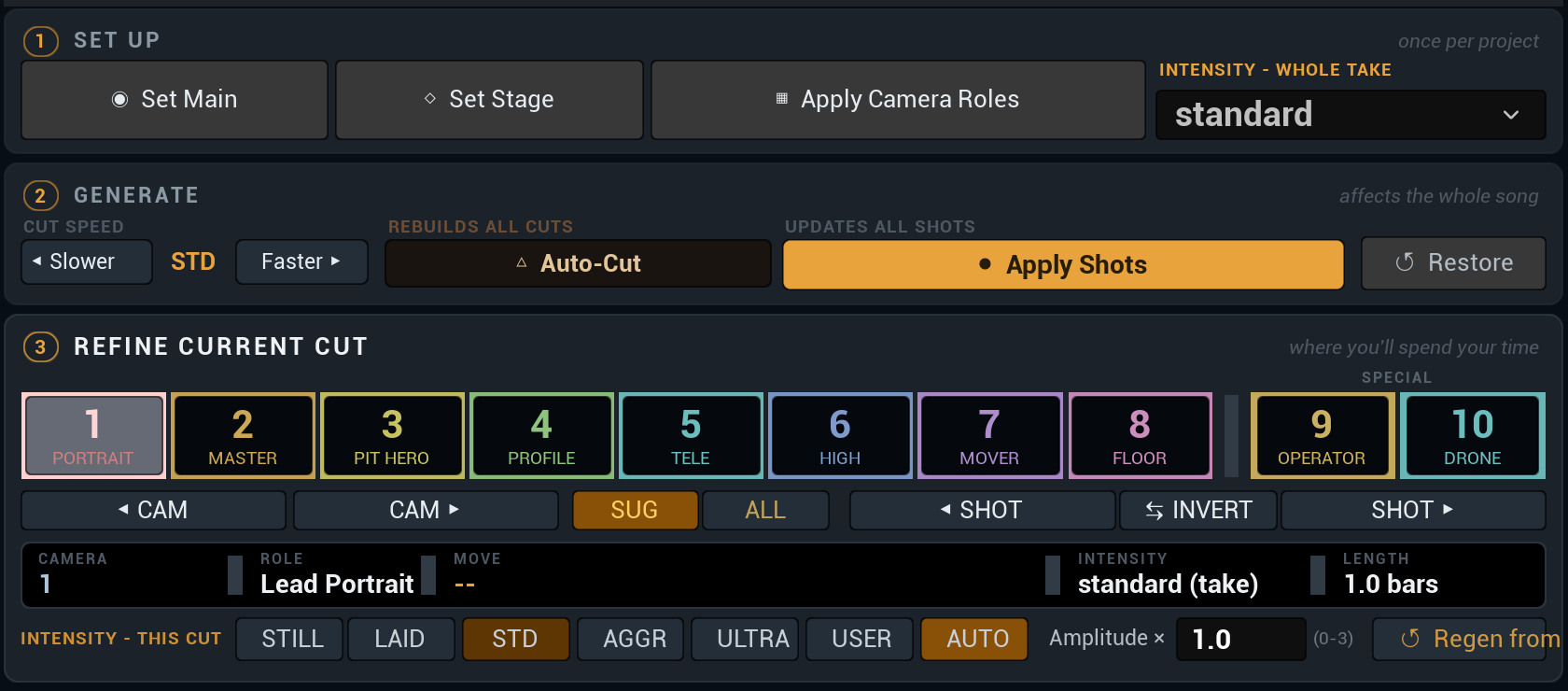
One panel, three steps: Set Up, Generate, Refine. These are screen recordings of it at work on the demo song.
The Mapper
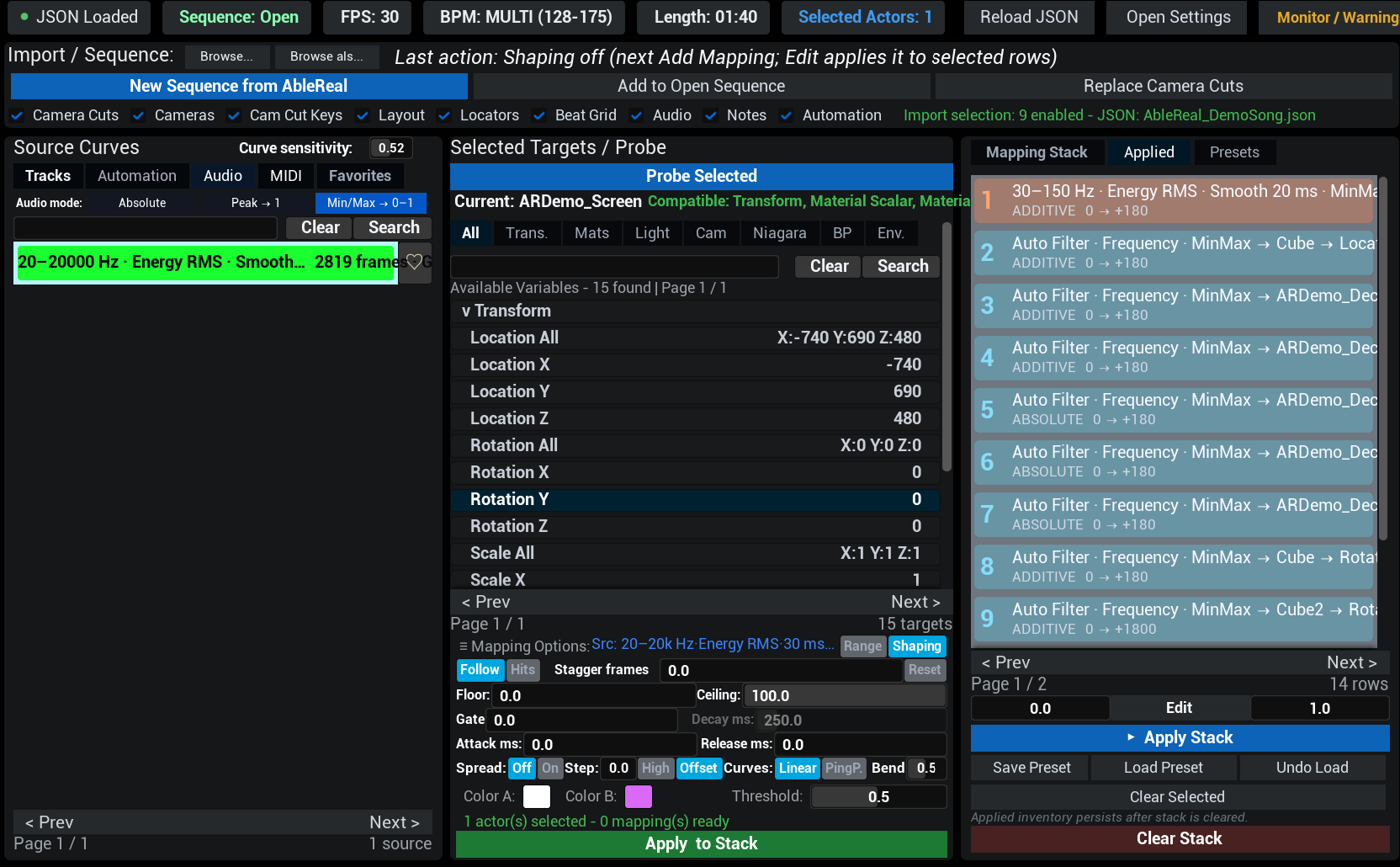
Pick a source: MIDI notes, automation or audio. Pick a target. Shape it, apply it, and it is written to Sequencer as keys.
From Ableton Live
In Unreal Engine
A MIDI note · C3
Automation · a rack macro
Audio · the kick
Audio · the bass
Audio · the snare
Try it
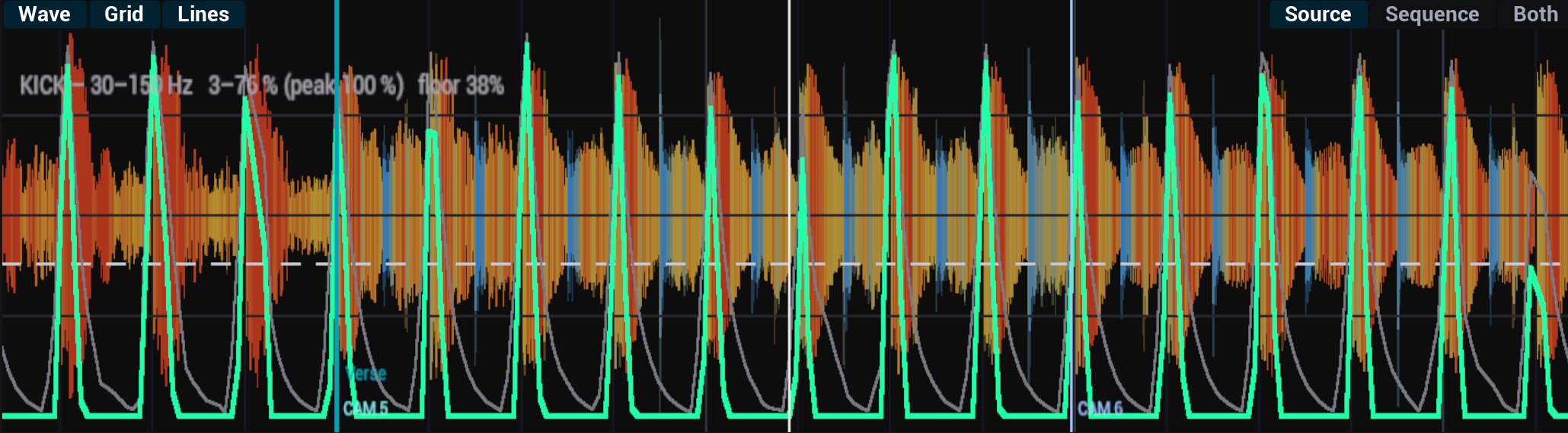
This is the demo song's real kick level, as exported. Follow it, or fire on hits. Set the gate, the attack and the release, and watch the light answer.
An illustration of Shaping, not the Mapper itself.
kick levelshaped curvegate
One mapping fans out across rows of actors, with a time offset per actor for chases and waves.
Follow the level or fire on hits, with threshold, decay, attack and release.
Save a whole light show and reuse it on the next song. The demo show is one preset: 15 mappings from MIDI notes, 255 from automation, 313 from audio.
See your curves against the song inside Unreal, before and after shaping.
Output
Every cut, every move and every focus pull is a keyframe you can open and edit by hand. Render with Movie Render Queue, like any other Level Sequence.
The film
Export from Live, import, map, direct, render. One song, start to finish.
Why it pays for itself
Included
The Director, Mapper and Scope panels, the camera libraries and the Python editor scripts. No C++, nothing to compile.
AbleReal exports your set. AbleReal Audio Tap captures the level of any track, in the band you choose.
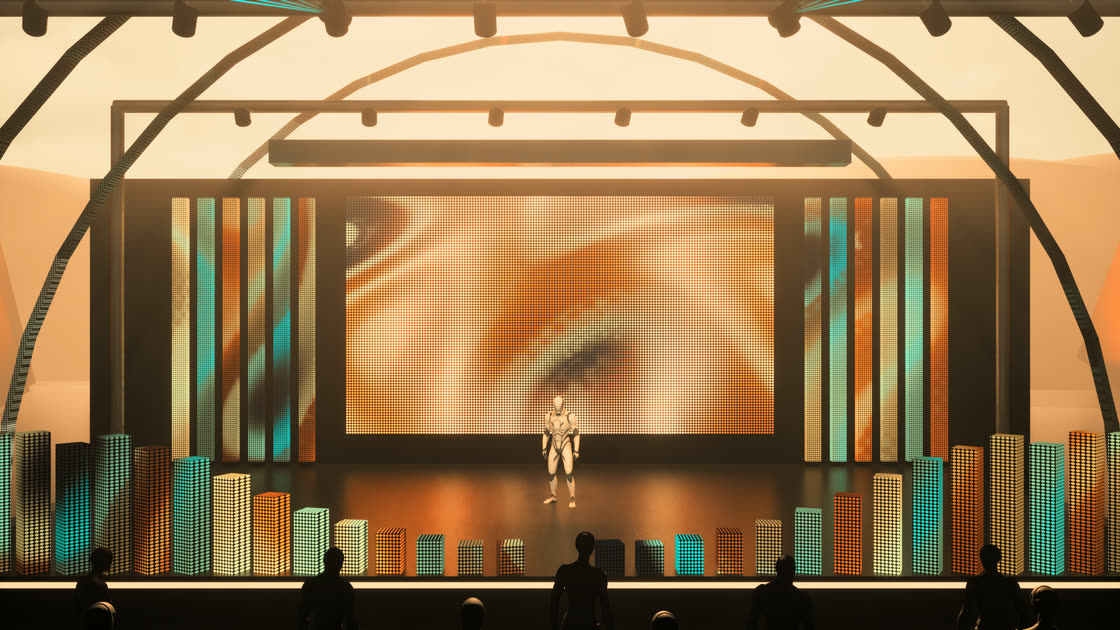
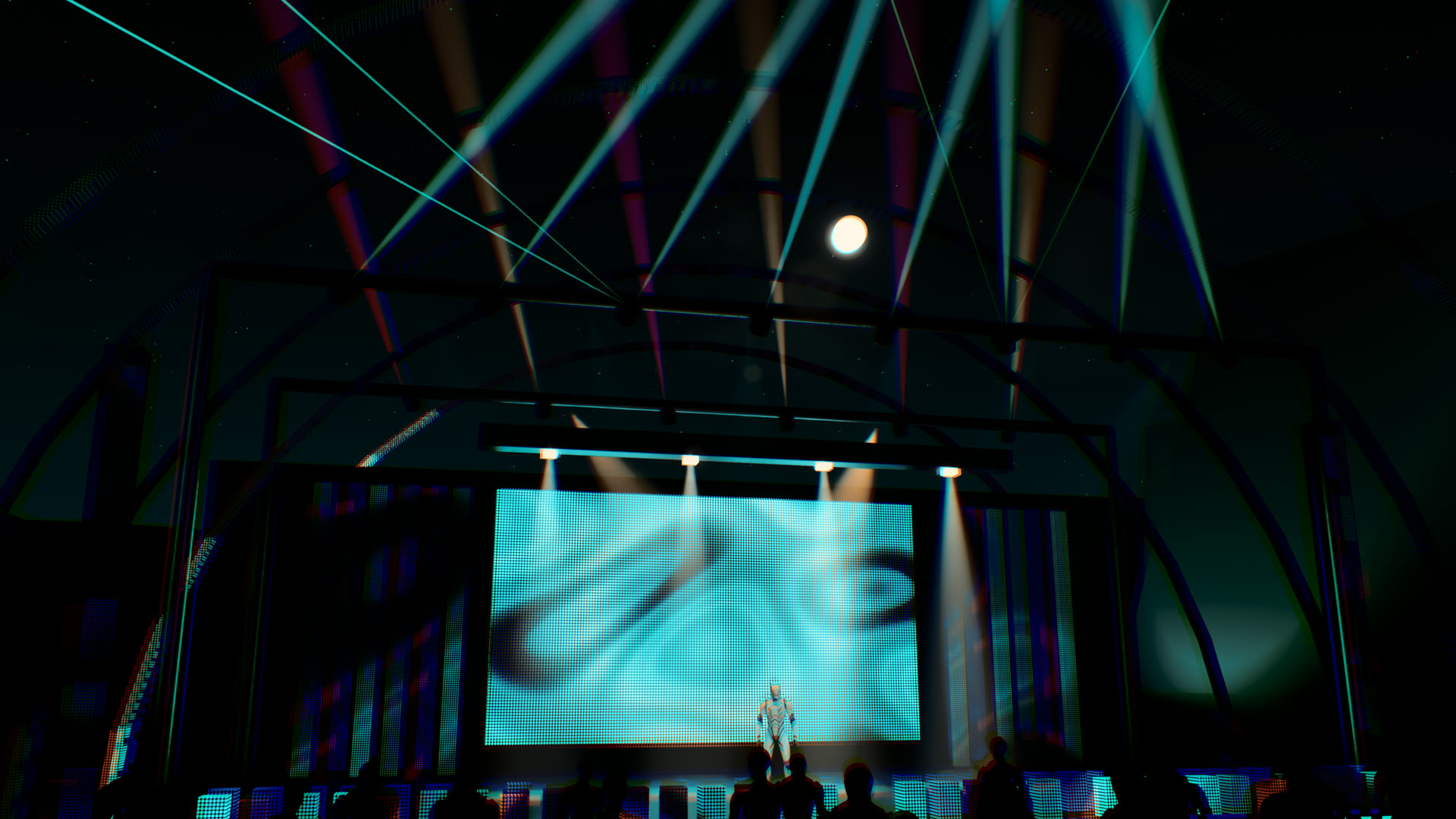
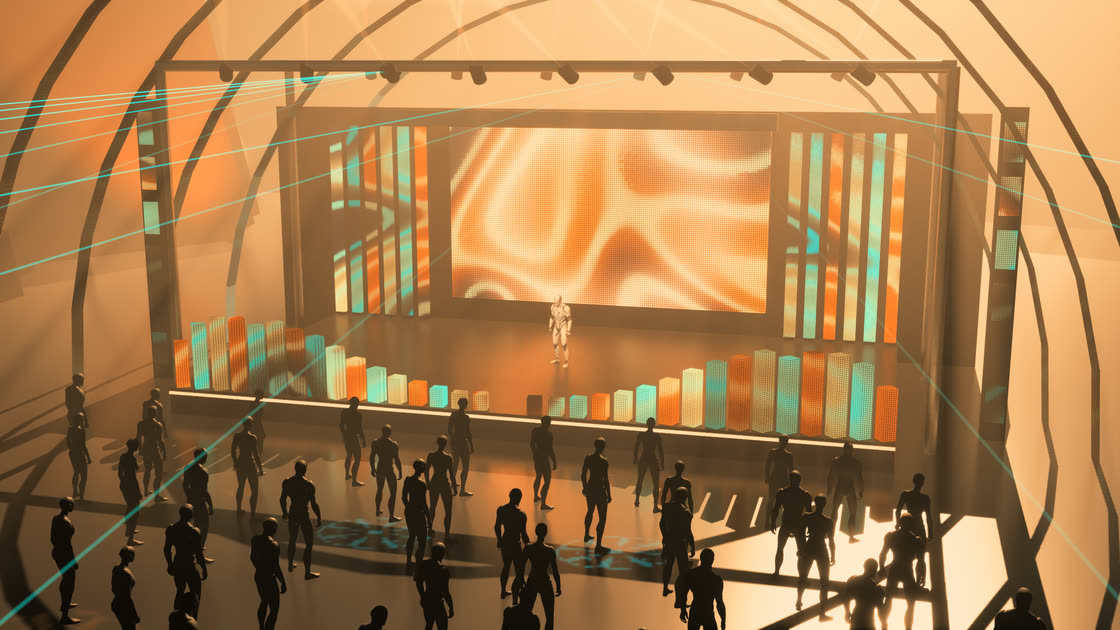
A video wall, LED poles, arches, a visualiser, a day-to-night sky and a full light show, driven by the included demo song. The Quickstart walks you through rebuilding it yourself in five minutes, from the included Ableton set and preset.
AbleReal authors a Sequencer take that you play back and render. It is not a real-time visualiser, and it does not generate scenes. You bring the environment and the performer.
AbleReal v1.0
$79one-time
Sold on Fab, Epic Games' marketplace. Published by Pine Needles Studio.
FAQ
Yes. You bring the environment and the performer; AbleReal sets its cameras around them and maps your set onto the actors you pick. The demo level is there to learn on, not a requirement.
No. AbleReal authors a Sequencer take that you play back and render. That is what makes the result repeatable, editable and ready for Movie Render Queue. It is not a live visualiser while Live is playing.
Yes. Both devices are Max for Live devices, so you need Live Suite, or Live Standard with the Max for Live add-on, version 11 or later. On the Unreal side you only need plugins that ship with the engine.
Unreal Engine 5.6 or later. Earlier versions can't open the assets. v1.0 was tested from a clean install on 5.6.
Not yet. AbleReal v1.0 is tested on Windows 10 and 11 only. The Max for Live devices do run on a Mac, but the Unreal side is not supported there.
Everything lands as normal Sequencer tracks and keyframes. Change one cut from the Director panel, or open the take and edit any key by hand. Restore steps back through your last ten Auto-Cuts and Cut Speed changes, and every import makes a new take, so earlier takes are never overwritten.
No. Tempo changes and ramps are read from your saved Live set, and the cuts and the mapped MIDI notes, automation and audio follow them. Save the set before you export and keep the export with it.
Partly. AbleReal counts every bar as four beats. A song in 3/4 or 6/8 still cuts on the beat, but the cuts and the beat grid do not follow its bar lines.
No. All ten cameras, every move and every cut work without it. If you already own BlackEye, it is a plus: the Operator and the Drone are created as BlackEye rigs, so they can track your performer and re-frame live. BlackEye is a separate plugin sold by its author and is not included.
No. AbleReal is a rules engine and a hand-built shot library working from your arrangement. What it writes is ordinary Sequencer keyframes in your own Unreal scene.
AbleReal is sold on Fab. From your Fab library, add it to your Unreal project and open the project again. The Max for Live devices, the demo song and the PDF guides come with it as additional files: copy the devices into your Live User Library. Nothing is loaded for you on the first start. The Quickstart takes you from there to a first take on the demo song, step by step.